
Find Your Code's Hidden Risks. For Free. In 5 Minutes.
Vestigo is a powerful Git forensics engine that runs entirely on your local machine. Follow these two steps to get an immediate, data-driven look at your own project's health. No sign-up, no license, no credit card required.
Run the Analysis Command
Our analysis engine only needs read access to your .git directory. It NEVER 'calls home'. First, open a terminal and navigate into any local project that has a Git history, then paste the command below.
# 1. CD into your project (if you aren't already):
cd /path/to/your/project
# 2. Paste this command and hit Enter:
docker run --rm -it -p 8080:8080 -v ${PWD}:/app/work 3squaredcircles/vestigo:latest interactiveAdvanced: Analyze a Remote Repository
If you don't have the project cloned locally, you can provide a remote Git URL and a Personal Access Token (PAT) with read access. We're using the source code for VS Code as an example.
docker run --rm -it -p 8080:8080 \
  -e RISKCALC_REPO_URL="https://github.com/microsoft/vscode.git" \
  -e RISKCALC_PAT="your_github_pat_here" \
  -e RISKCALC_BRANCH="main" \
3squaredcircles/vestigo:latest interactive100% Private & Secure: The local method is recommended as it's faster and requires no credentials. When using the remote method, your PAT is only used inside the container to clone the repo and is never transmitted off-box.
Explore Your Project's Risk Cockpit
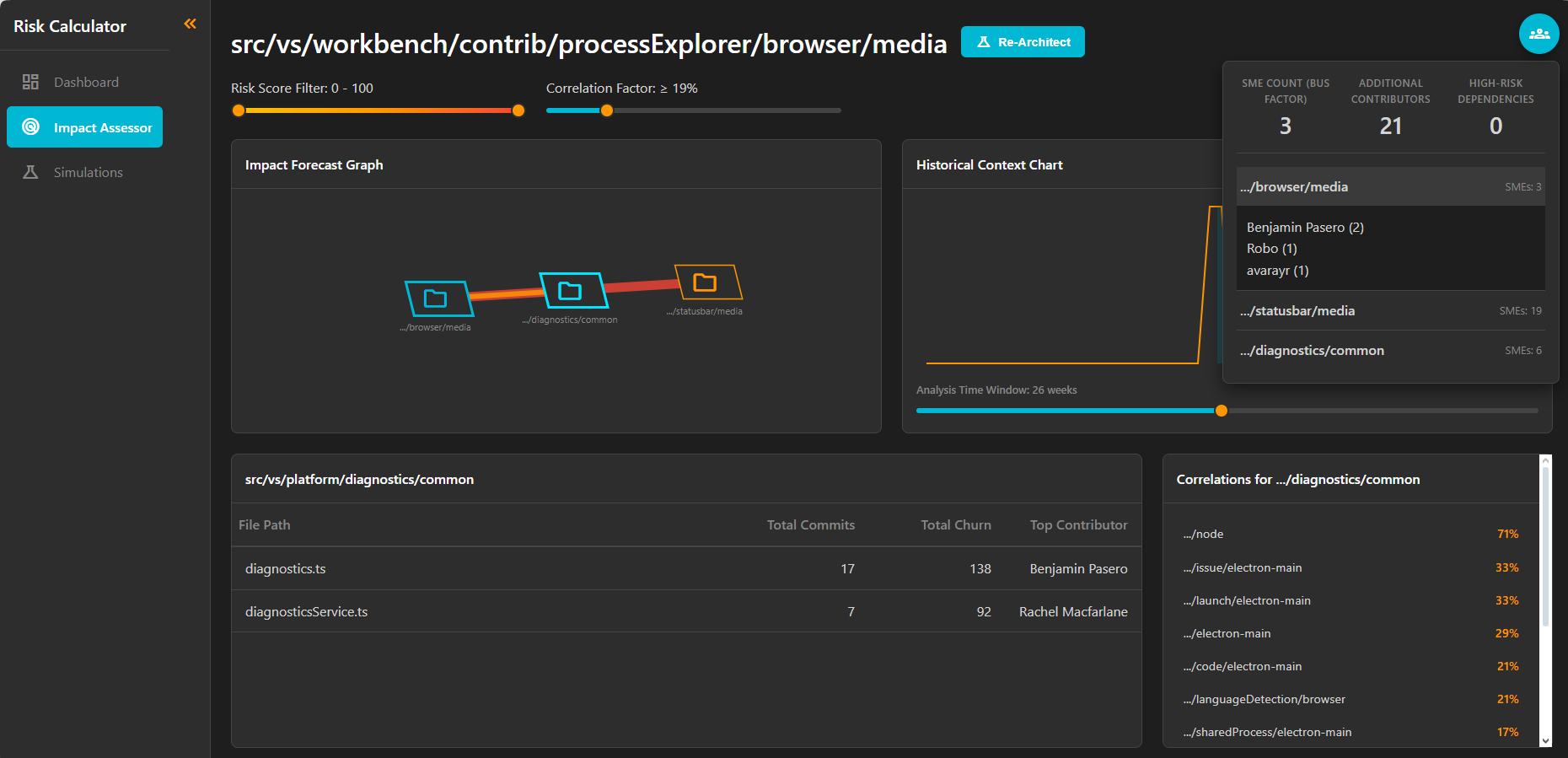
Once the analysis is complete, open your browser to http://localhost:8080. You are now looking at the live, interactive risk profile of your own codebase. Use the thumbnails below to take a guided tour of the key features. (These screenshots are from the VS Code Repo on GitHub)
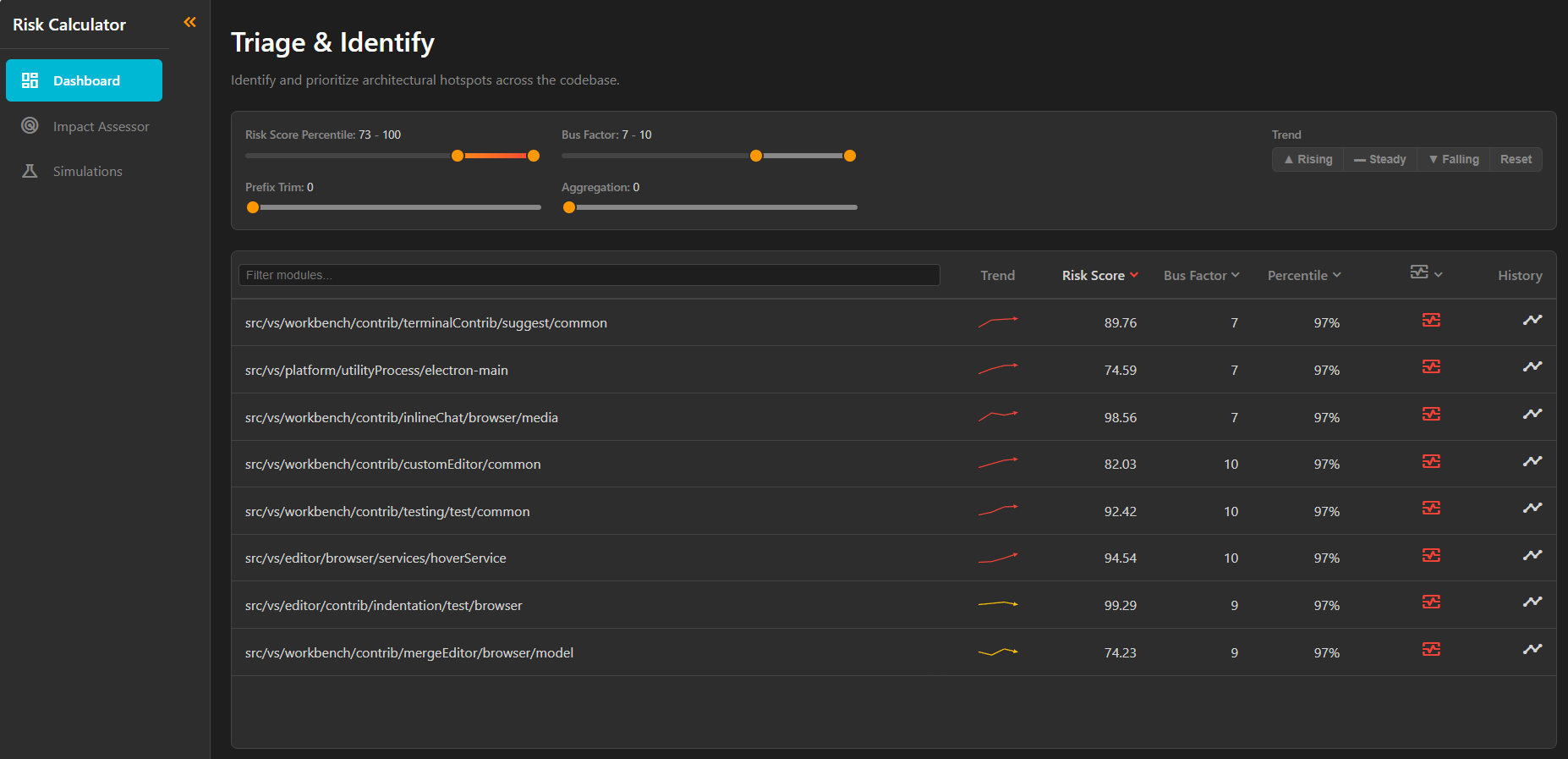
1. Triage Hotspots: The Dashboard instantly identifies and ranks the highest-risk modules in your codebase, letting you focus on what matters.
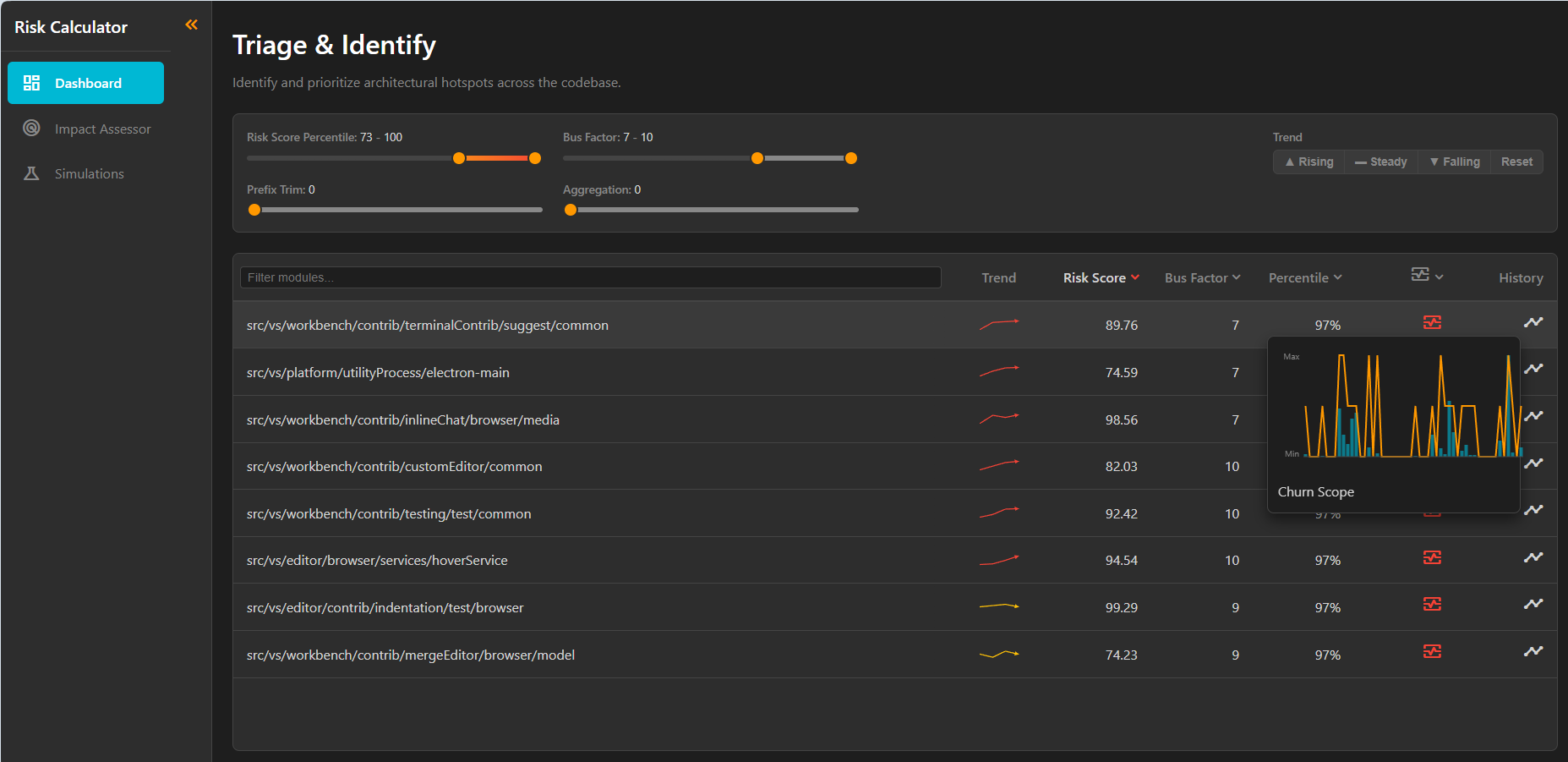
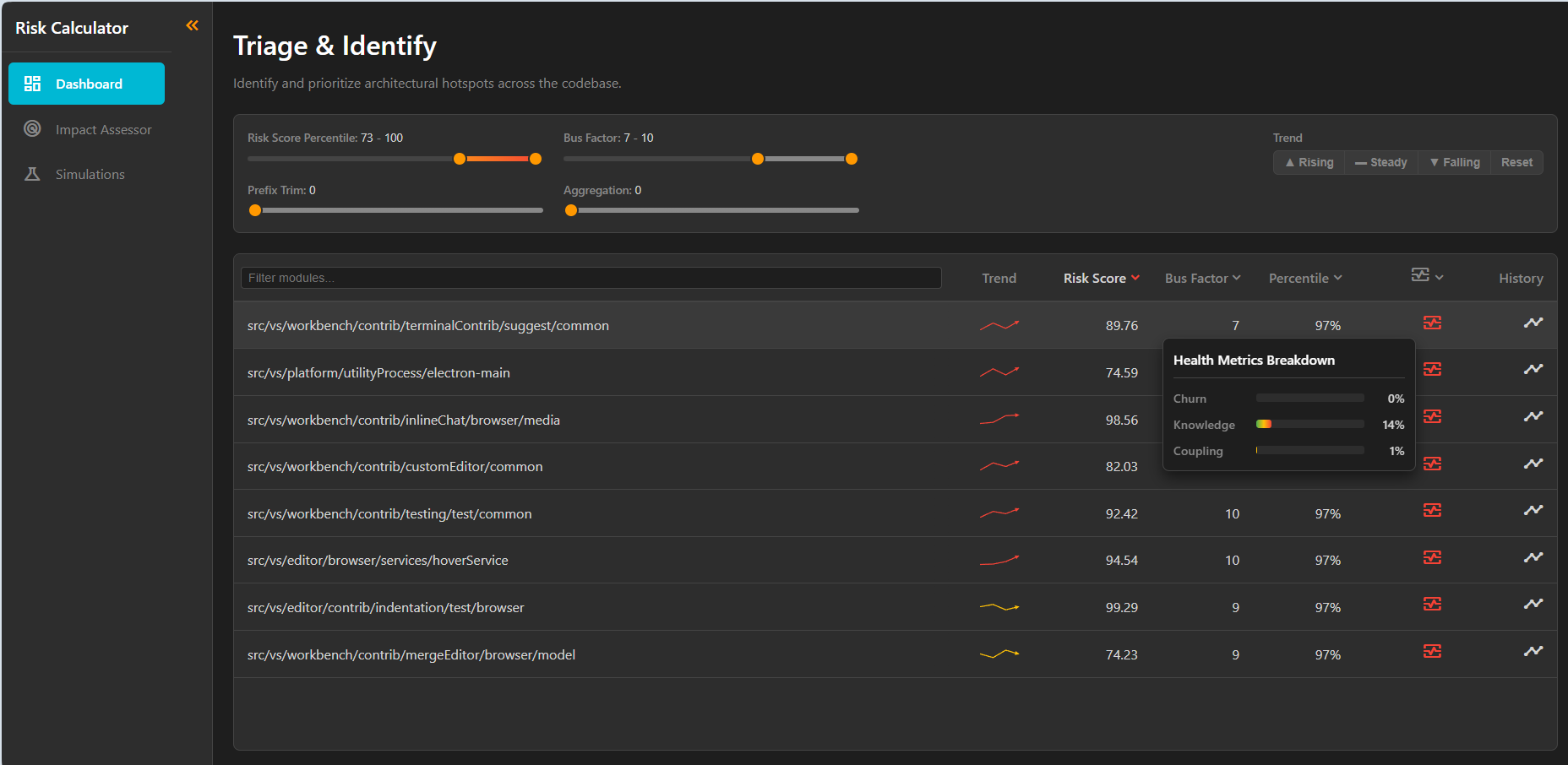
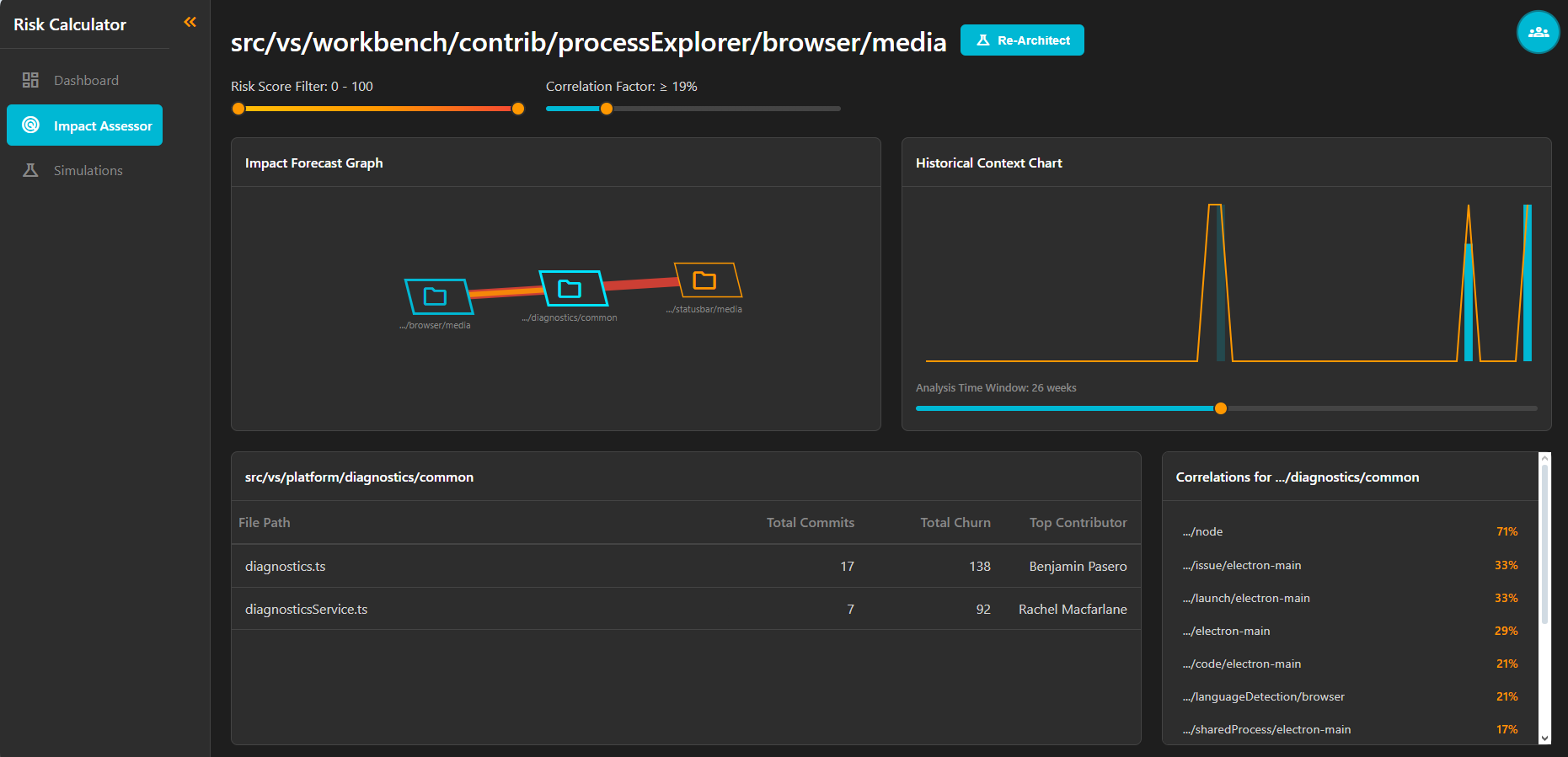
What to Look For First:
- Go to the Dashboard: Does the ranked "Top Hotspots" list match your gut feeling for the most complex or fragile parts of your system?
- Find Your "Brad": Click on a hotspot and check the "Bus Factor." Who is the single point of failure for your most critical code?
- Generate the Proof: Simulate your refactoring plan, then open the "Save Plan" modal. This is the starting point for creating the data-driven justification for a refactor that ends "gut feeling" arguments.